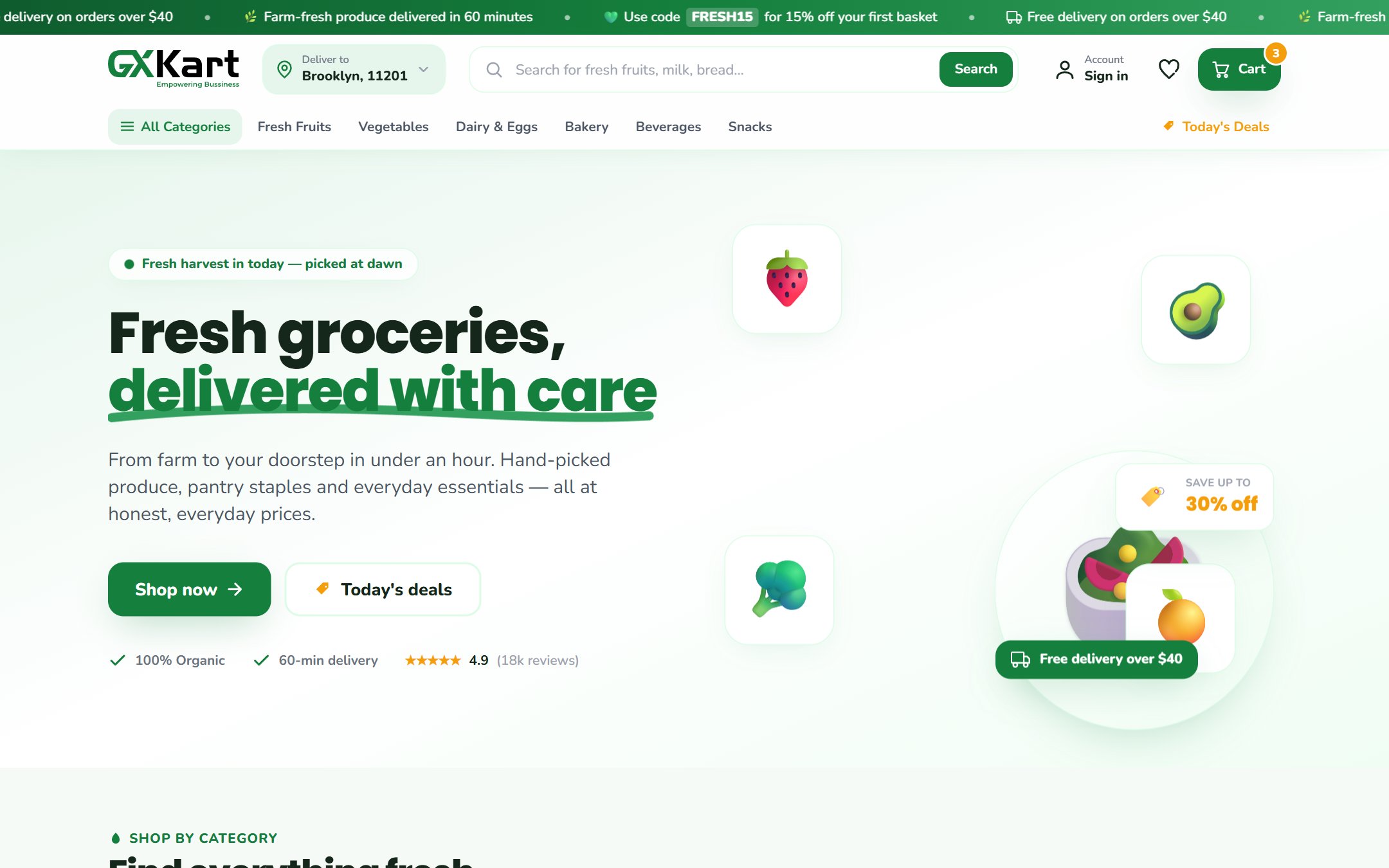
Opening an online grocery store used to mean months of work: hiring developers, choosing hosting, building a checkout and wiring up delivery. With GXKart, the platform is already built. Your job is to make it yours — and that fits comfortably into a single working day.
Here is the order we recommend, with a rough time for each step.
1. Pick your plan (10 minutes)
Start by deciding what you need on day one. The Web Store plan gives you a branded storefront and the admin panel. The Complete Suite adds a customer mobile app and a delivery driver app. You can begin with the web store and add the apps later as your order volume grows.
2. Set up your brand (30 minutes)
Upload your logo, choose your colours and connect your own domain. Customers should feel they are shopping with your store, not a marketplace. A few details make a big difference:
- A clear, square logo that still reads well at small sizes
- One main brand colour, used for buttons and highlights
- A short tagline that says what you sell and where you deliver
3. Build your catalogue (2–4 hours)
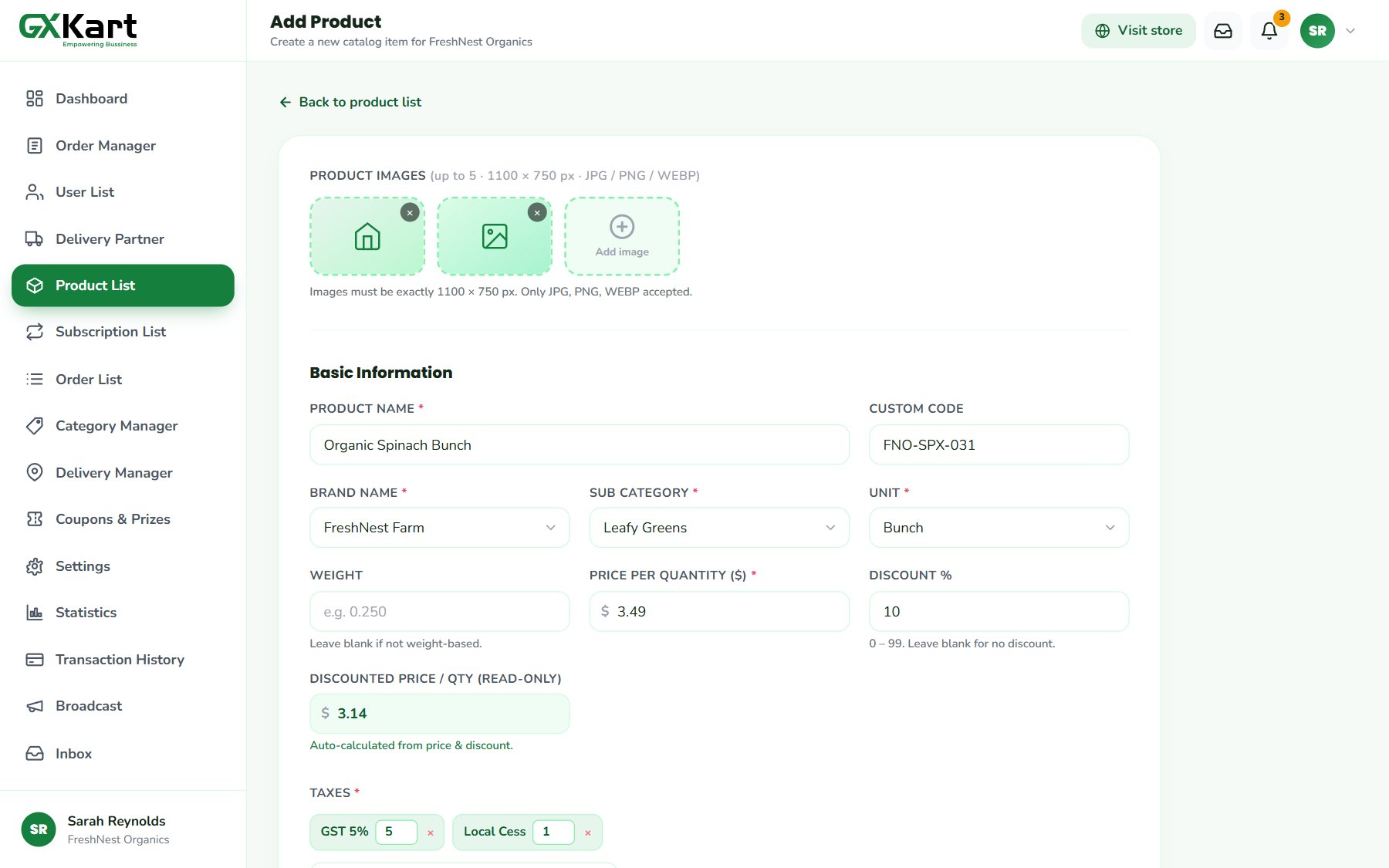
This is the biggest task of the day. Create your categories first — fruit and vegetables, dairy, bakery, pantry — then add products with a photo, price, pack size and stock level. Start with your 50–100 best sellers rather than your entire range; you can keep adding products after launch.
Tip: good product photos sell. Shoot on a plain background in daylight, and keep the same angle across a category so your store looks tidy.
4. Configure delivery and payments (1 hour)
Set the zip codes or regions you deliver to, add delivery time slots, and decide whether you also offer store pickup. Then switch on the payment methods your customers expect: card, wallet or cash on delivery.
5. Place a test order (20 minutes)
Before you tell anyone, order something yourself. Walk through the whole journey:
- Browse a category and add a few items to the cart
- Pick a delivery slot and pay
- Find the order in your admin panel and assign it to a driver
- Mark it as delivered and check the customer’s order history
If every step feels smooth to you, it will feel smooth to your customers.
6. Go live and tell people
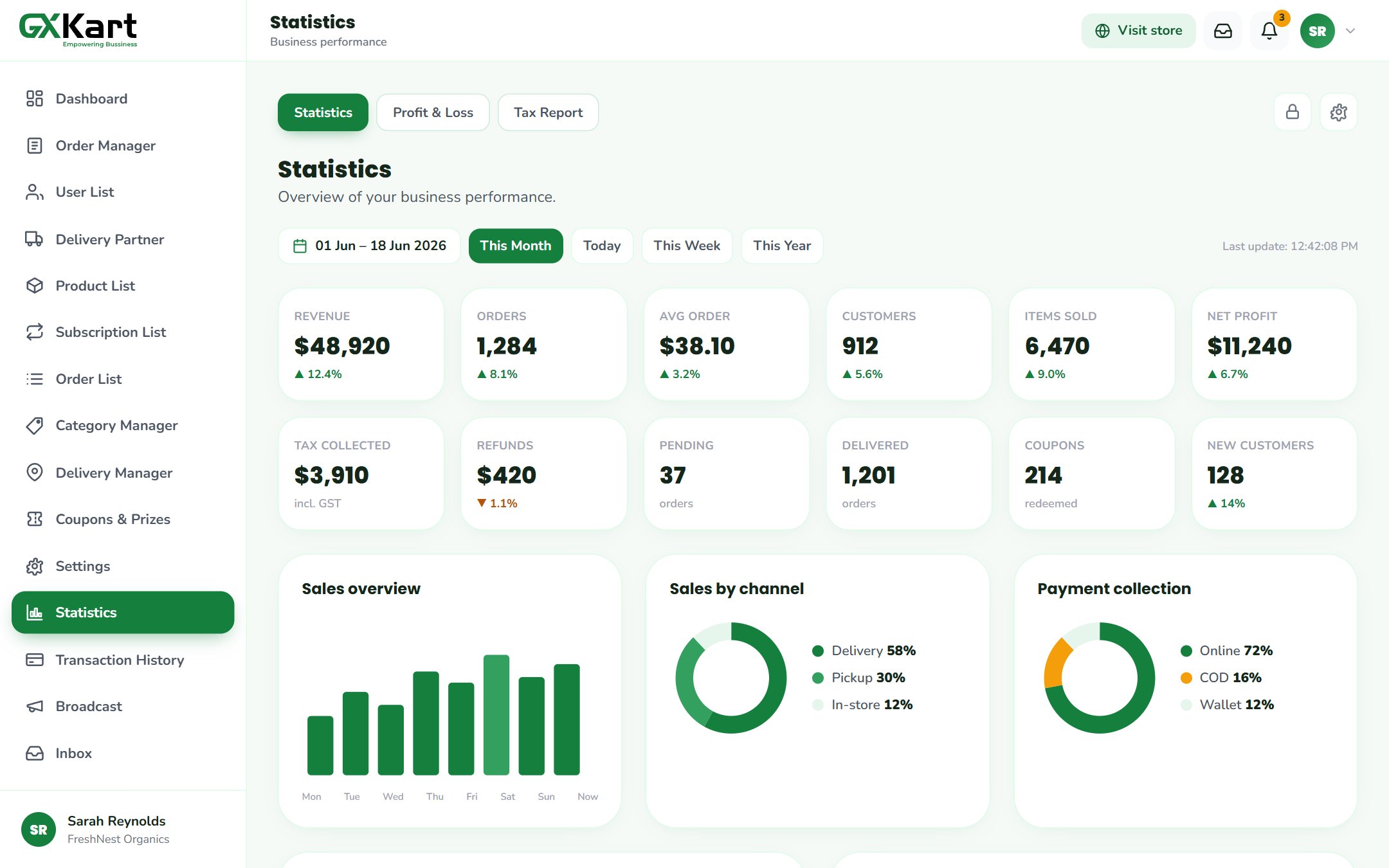
Share your store link with existing customers, add it to your shop window and social profiles, and send a launch offer to get the first orders in. From there, watch your sales statistics in the admin panel and keep improving week by week.